
I've switched completely to this service because it has fast delivery, bonuses, discounts and great service from the manager! The best rental service for games! Now I'm going to play Game of the Year
Rental: Phantom Blade ZeroGame rental
Game rental for PlayStation 5 and PS4 — finish a new release in a few days without buying it. The catalog has hits and fresh releases: The Last of Us Part II, Diablo IV, Street Fighter 6, Alan Wake 2, Helldivers 2, Tekken 8, Stellar Blade, Black Myth: Wukong and dozens more.
Two formats: P3 — the game on your own account, so you play from your main profile with trophies and online; P2 — via an account that already has the game, which is cheaper. The rental period and prices are listed on the product page, and if you like a game, you can buy it permanently.
Delivery takes 30–40 minutes, up to an hour when downloading. Return the account early and get a 10% discount on your next rental through the "Quick Return" program.
⚡ Quick returnFinished the game faster than planned? Return the account early! If you return the account 3 days before the rental ends or earlier (for a 7-day rental — 2 days before), we'll automatically give you a 15% discount on your next rental of any game. It will be applied automatically when you order (log in to your account).
Showing 1–12 of 29 results
-
👥 Two players⚡ New

Rental: EA Sports FC 27
RU subtitlesDelivered 30–40 min after paymentfrom 854 ₽ -
⚡ New
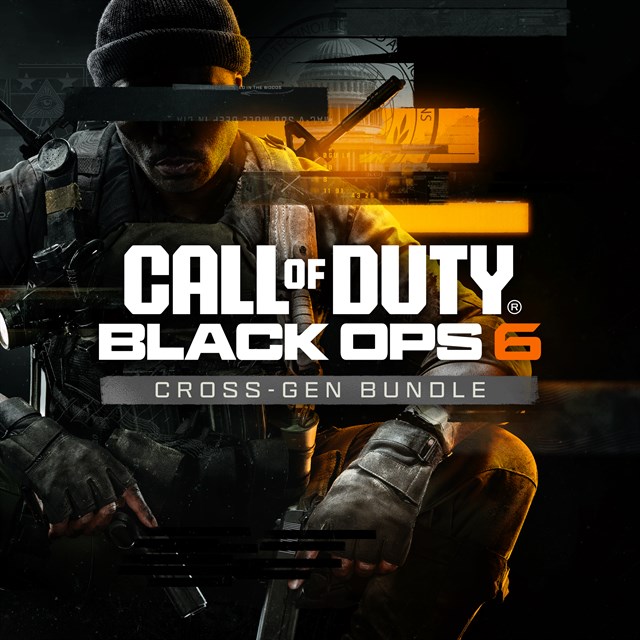
Rental: Call of Duty: Black Ops 6
RU subtitlesDelivered 30–40 min after paymentfrom 474 ₽ -
⚡ New
 Discount
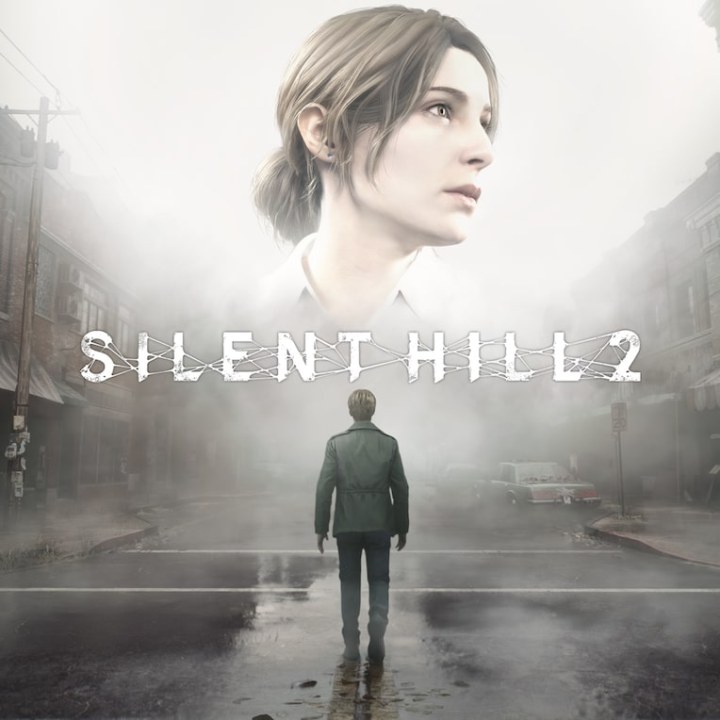
Rental: Silent Hill 2 Remake
RU subtitlesDelivered 30–40 min after paymentfrom 293 ₽ -
⚡ New
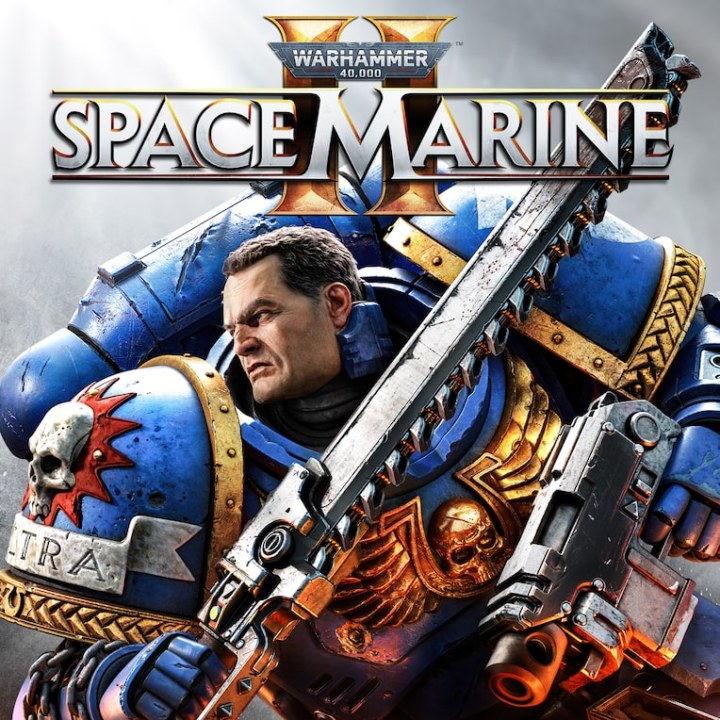
Rental: Warhammer 40k: Space Marine 2
RU voiceoverDelivered 30–40 min after paymentfrom 379 ₽ -
⚡ New

Rental: S.T.A.L.K.E.R. 2: Heart of Chornobyl
RU subtitlesDelivered 30–40 min after paymentfrom 759 ₽ -
⚡ New
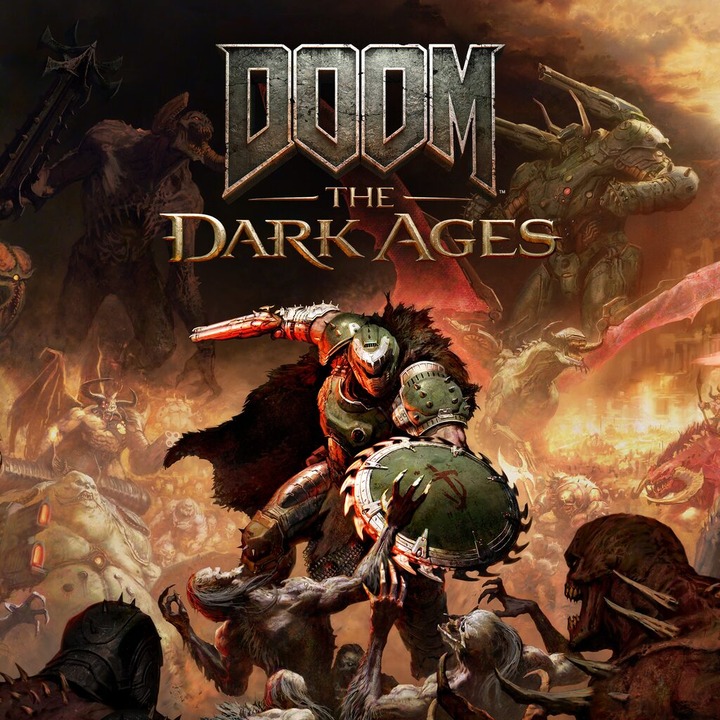
Rental: Doom: The Dark Ages
RU voiceoverDelivered 30–40 min after paymentfrom 379 ₽ -
⚡ New

Rental: Astro Bot
RU subtitlesDelivered 30–40 min after paymentfrom 379 ₽ -
⚡ New
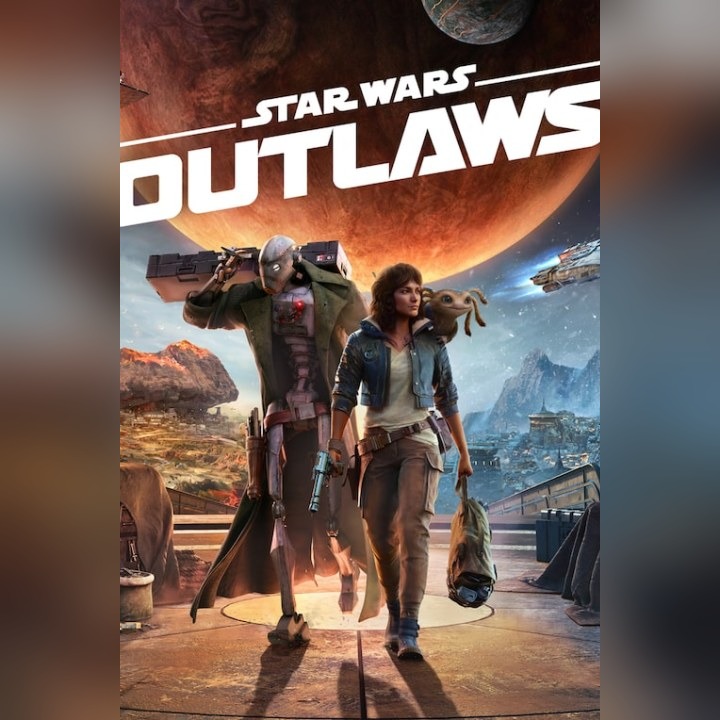
Rental: Star Wars Outlaws
RU subtitlesDelivered 30–40 min after paymentfrom 331 ₽ -
⚡ New

Rental: Assassin’s Creed Shadows
RU subtitlesDelivered 30–40 min after paymentfrom 426 ₽ -
⚡ New

Rental: Mafia: The Old Country
RU voiceoverDelivered 30–40 min after paymentfrom 474 ₽ -
⚡ New

Rental: Indiana Jones and the Great Circle
RU subtitlesDelivered 30–40 min after paymentfrom 379 ₽ -
⚡ New

Rental: Marvel’s Wolverine
RU voiceoverDelivered 30–40 min after paymentfrom 854 ₽
About the "Game Rental" section
Game rental for PlayStation 5 and PS4 — finish a new release in a few days without buying it. The catalog has hits and fresh releases: The Last of Us Part II, Diablo IV, Street Fighter 6, Alan Wake 2, Helldivers 2, Tekken 8, Stellar Blade, Black Myth: Wukong and dozens more.
Two formats: P3 — the game on your own account, so you play from your main profile with trophies and online; P2 — via an account that already has the game, which is cheaper. The rental period and prices are listed on the product page, and if you like a game, you can buy it permanently.
Delivery takes 30–40 minutes, up to an hour when downloading. Return the account early and get a 10% discount on your next rental through the "Quick Return" program.
Questions and answers
How does PS5 game rental work?
Choose a game, format and term, and pay — within 30–40 minutes you receive the details of an account with the game, or the game on your own account. You play for the chosen number of days.
What is the difference between P2 and P3 formats?
P3 — the game is on your account, and you play from your own profile with trophies and online. P2 — you play via an account that has the game, which is cheaper.
Can I buy a game permanently?
Yes, many games have a “Forever” option — the price is shown in the product card.
Customer reviews
Rented the new MW4, everything was clear, fast and to the point! 24/7 support, polite admins, discounts for reviews and better prices than elsewhere! Will order again
Rental: Call of Duty: Modern Warfare 4Can't find the product you need? Message us — we'll find and buy a game, subscription or top-up that isn't in the catalog yet.
Showing 1–12 of 29 results
Rental formats
🎮
P3 format (play on your own account) — maximum comfort
You add our account to your console/PC and turn on “Console Sharing”. You play from your own personal profile. All saves and earned trophies stay with you. Online multiplayer is available. Important: a constant internet connection is required to verify the license.
💸
P2 format (guest access) — maximum savings
The cheapest way to complete a single-player story game. You get our account and play directly from it. Important: an internet connection is needed to start, but right after signing in the device must be disconnected from the network (offline mode). Saves remain on our profile.
FAQ
Can my console or PC get banned for using someone else’s account?
No. You use legally purchased games through the official PlayStation/Xbox (Family Sharing)/Steam access-sharing system. It is completely safe. You don’t share your data with us.
A “padlock” appeared on the game and it won’t start. What should I do?
The “padlock” appears in only two cases: 1) the rental period has expired (write to the manager to extend it); 2) the internet connection dropped and the system can’t verify the license (relevant for P3). Just reconnect to the network.
What if the game I want is currently taken?
Our catalog has a “To order” system. If the game you need is out of stock, write to us. As soon as a couple of people want it, we buy the game specially for you. Delivery takes 20–30 minutes.